


Almost every Acumatica or MYOB project eventually needs an integration: an e-commerce store pushing orders, a WMS sending shipments, a field app creating service records, or a BI tool pulling data. The fastest, most maintainable way to build these is the Acumatica or MYOB REST API. This post covers the practical essentials and then looks at a common need: printing labels and barcodes through an API.

Contract-based REST endpoints
Acumatica’s main integration surface is the contract-based REST API. An endpoint (for example the Default endpoint) publishes a stable contract of entities and fields, and each endpoint has a name and a version. URLs follow this pattern:
/entity/Default/{version}/{Entity}
Because the contract is versioned, integrations built against it keep working through Acumatica or MYOB upgrades. That’s the main reason to prefer it over screen-based or database-level approaches. Integrations should never write to the database directly.
Extending an endpoint
If you need custom fields or entities, extend the endpoint on the Web Service Endpoints screen instead of changing the default one. Your extended endpoint inherits the standard contract and adds your fields, so upgrades stay clean.
Entities: reading and writing records
Each entity, such as Customer, SalesOrder, StockItem, Shipment or Invoice, maps to an Acumatica or MYOB screen and its business logic. The basic verbs are:
- GET to retrieve a list or a single record by key or ID.
- PUT to create or update a record. Acumatica or MYOB runs the same validation and defaulting a user would get on screen.
- DELETE to remove a record where the business rules allow it.
Field values in the JSON body are wrapped in a value object, for example “CustomerID”: {“value”: “C000123”}. Detail lines, such as order lines, are arrays inside the parent entity. Use $expand to return them.
Filtering with OData-style parameters
List requests accept OData-style query parameters, so you can bring back only what you need:
- $filter, for example Status eq ‘Open’ and LastModifiedDateTime gt datetimeoffset’2026-09-01T00:00:00Z’
- $select to limit the fields returned
- $expand to include detail collections
- $top and $skip for paging
Filtering on LastModifiedDateTime is the standard way to build incremental syncs, so you only pull records that changed since the last run. For reporting-style queries, Acumatica or MYOB also exposes Generic Inquiries through OData.

Invoking actions
An integration often needs to do more than save data. It needs to release an invoice, confirm a shipment or create a shipment from a sales order. The contract-based API exposes these as actions: you POST to /entity/Default/{version}/{Entity}/{ActionName} with the target record in the body.
Long-running actions return 202 Accepted with a location header. Poll that location until it returns 204, which means the action finished. Build that polling into your integration from the start.
Authentication basics
- OAuth 2.0 (recommended): register a connected application in Acumatica or MYOB and use the appropriate flow for your integration. Tokens can be scoped and revoked without sharing a user’s password.
- Cookie-based sessions: POST to /entity/auth/login with credentials, company and optional branch, reuse the session cookie, and always call /entity/auth/logout when you’re done. Sessions that are never closed count against your API user limits.
Use a dedicated integration user with only the roles it needs.
Good practices for faster, safer integrations
- Stay on the contract: use a versioned endpoint, extended if necessary.
- Request only what you need: use $select and $filter. Pulling full entities with every detail collection is the most common cause of slow integrations.
- Sync incrementally: filter on LastModifiedDateTime instead of reloading everything.
- Be idempotent: store the external ID for each record you create so retries update the record instead of creating a duplicate.
- Respect limits: reuse sessions or tokens, log out, and back off on throttling responses.
- Log requests and responses: Acumatica’s error messages are detailed and will save you hours.
- Test in a sandbox that matches production’s version and customizations.

Printing labels through an API
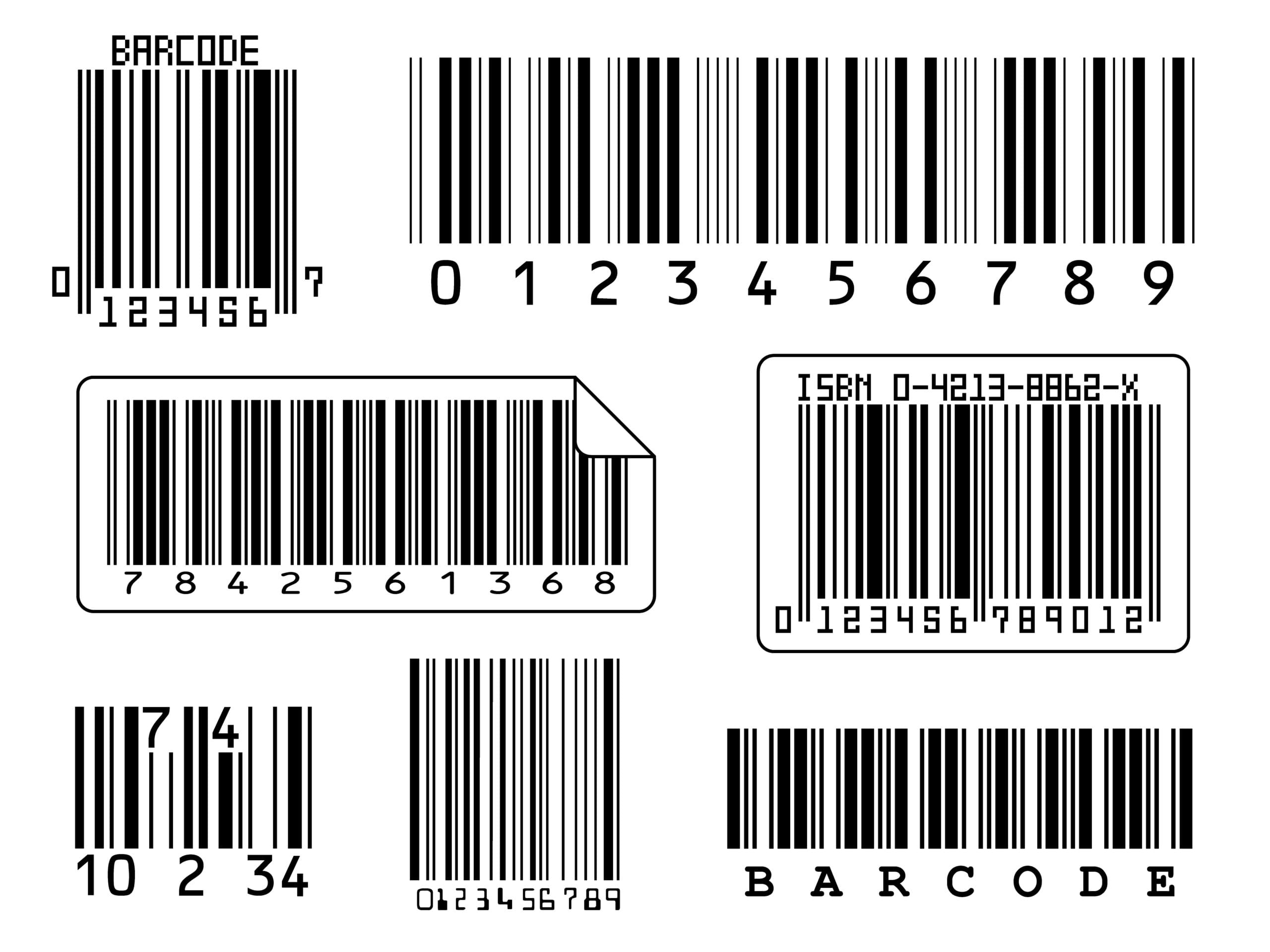
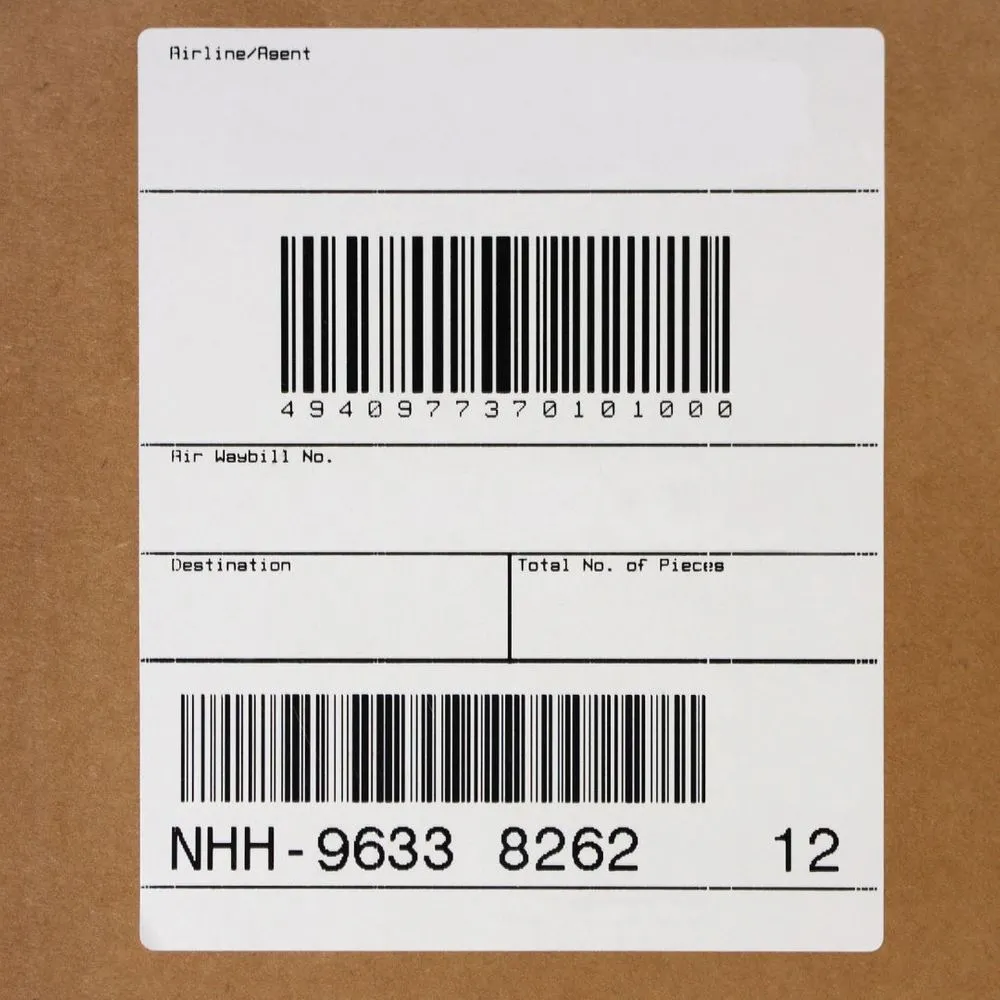
Many integrations end in something physical: a carton label, a pallet label with a GS1-128/SSCC barcode, a lot label, a packing slip with a 2D barcode. There are two common patterns.
1. Send native print jobs with the Asgard Cloud Print API
Some systems already generate their own labels, for example a shipping platform that produces ZPL. The Asgard Cloud Print API accepts documents in ZPL or other supported native languages (DPL, IPL, Fingerprint, SBPL, TSPL, cab JScript, ESC/Label) and sends them straight to the printer as RAW jobs.
Asgard Cloud Print is event-driven and uses sockets, so jobs reach the printer almost instantly. It prints to any printer the operating system knows, at any site or warehouse. It encrypts everything and uses the PrintNode service for delivery, so you don’t need a VPN or port forwarding.
2. Trigger Acumatica or MYOB label printing with Asgard Labels
Often the label should come from Acumatica’s own data and templates. Examples include a receipt created by a WMS, a shipment confirmed by an e-commerce connector, or a production order completed on the shop floor. An integration can create or update the record through the REST API, and then Asgard Labels can print the right label for that record. Asgard Labels is the only Acumatica-native label solution, certified and listed on the Acumatica Marketplace.
Because the label design, barcodes and printer setup live in Acumatica or MYOB, you maintain them in one place. The integration only has to say what happened. Asgard Labels handles Acumatica labels and barcodes, including 2D barcodes such as QR, GS1 DataMatrix and Data Matrix, and sends them through Asgard Cloud Print in the printer’s native language.

Need help with an Acumatica or MYOB integration?
Asgard Alliance is an Acumatica ISV partner based in Montreal. Our founder, Stéphane Bélanger, has worked with ERP since 1993 and with Acumatica since 2016. He was named Acumatica Developer of the Year in 2022 and has been an Acumatica MVP for several years. We offer Acumatica integration services, customization and ISV development, from REST API connectors to label printing that fires on the right event. Contact us to discuss your integration, or learn more about Asgard Labels and Asgard Cloud Print.