


If your business runs on Acumatica or MYOB, your labels should too. Shipping cartons, pallets, bins, lots, serial numbers, receiving and put-away all depend on a label that is correct, readable and printed at the right moment. This guide walks through everything you need to know about Asgard Labels: what it is, how it works inside Acumatica, which barcodes and printers it supports, how Asgard Cloud Print delivers jobs, and how a typical rollout looks from first model to go-live.
What Is Asgard Labels?
Asgard Labels is a label and barcode printing solution built by Asgard Alliance, an Acumatica ISV partner based in Montreal. It lets you design label models and print labels, barcodes and 2D barcodes from any Acumatica or MYOB screen, using the data that is already in your ERP. There is no coding, no export to a separate label program and no re-keying of item numbers or addresses. One click prints as many labels as you need, to any printer.
Asgard Labels is Acumatica-native and certified. It is the only Acumatica-native label solution, and it is listed on the Acumatica Marketplace. Founder Stéphane Bélanger has worked with ERP systems since 1993 and with Acumatica since 2016, and he is the Acumatica Developer of the Year 2022 and a multi-year Acumatica MVP, so the product is designed around the way Acumatica users actually work.
Native vs. Add-On Label Software
Most label software for ERP systems is an add-on: a separate application that sits beside the ERP, pulls data through an export, a custom endpoint or a middleware connector, and then prints. That approach works, but it adds moving parts:
- A second system to license, install, update and secure
- Data mappings that break when fields or screens change
- Reports or custom queries written just to feed the label tool
- Users switching between applications to print a single label
A native solution lives inside Acumatica or MYOB. Label models, printers, rules and print history are Acumatica records. Security follows Acumatica roles. The data on the label is read straight from the document or record on screen. With Asgard Labels there is no middleware to maintain and no integration project before you can print your first label.
Printing From Any Acumatica or MYOB Screen
The core idea is simple: wherever the data lives, you can print a label from it. Common examples include:
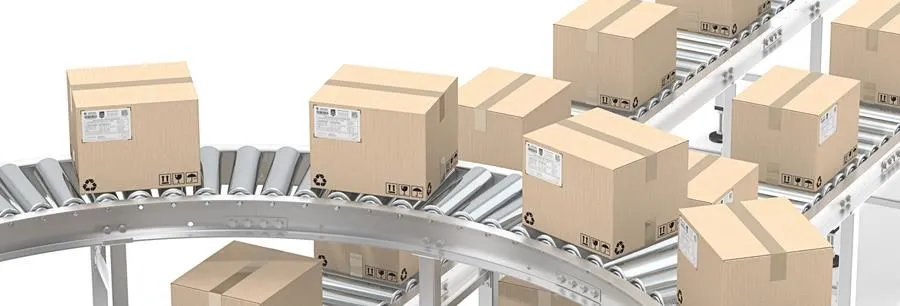
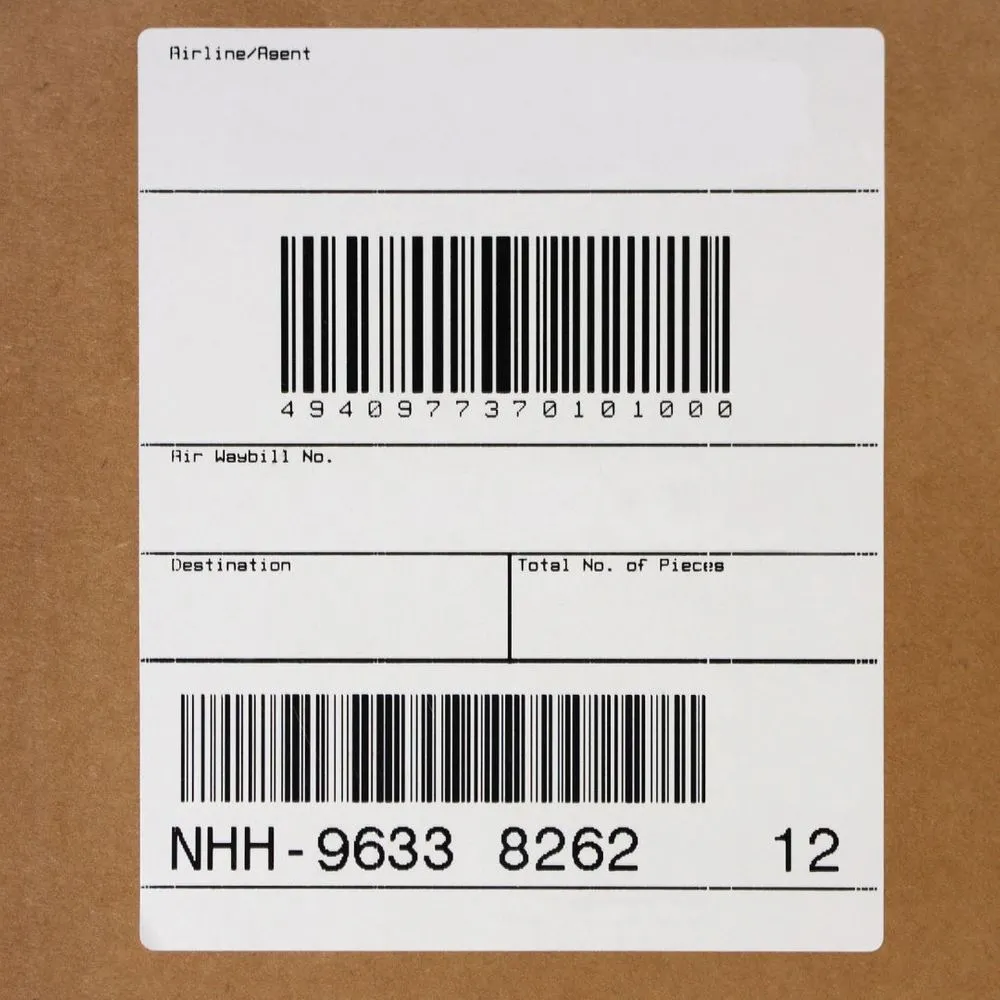
- Shipments: carton and pallet labels with your logo, ship-to and ship-from addresses and GS1-128 barcodes
- Stock items: product and item labels with item ID, description and barcode
- Warehouses and locations: bin and warehouse location labels for faster picking and put-away
- Purchase receipts: receiving and put-away labels printed as goods arrive
- Transfers: labels that follow stock between sites
- Production and lots: lot, serial and expiration labels for manufacturing and compliance
- Documents: packing slips and other documents carrying 2D barcodes
Because the label reads from the current record, the names, addresses, vendors, customers, transaction numbers and product information printed are always the values in Acumatica or MYOB at the moment you print. Keep your Acumatica data current and your labels stay current.

Label Design and Label Models
A label model defines what a label looks like and which Acumatica or MYOB data it shows. You build it once and reuse it everywhere it applies.
What goes on a label
- Text fields pulled from the Acumatica or MYOB record, such as item ID, description, customer name or order number
- Static text, lines, boxes and your company logo
- Linear barcodes and 2D barcodes built from Acumatica or MYOB fields
- Addresses for shipping and receiving labels
Formats and sizes
Label models are defined for the label stock you actually use, from small item and bin labels to 4×6 shipping labels and full-page documents on office printers. The same business data can feed several models, so a carton label and a pallet label for the same shipment can share one source.
Reuse and consistency
Because models are stored in Acumatica or MYOB, every user and every site prints the same, approved layout. When a customer or regulator asks for a change, you update the model once instead of editing templates on individual workstations.
Barcodes and 2D Barcodes
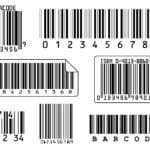
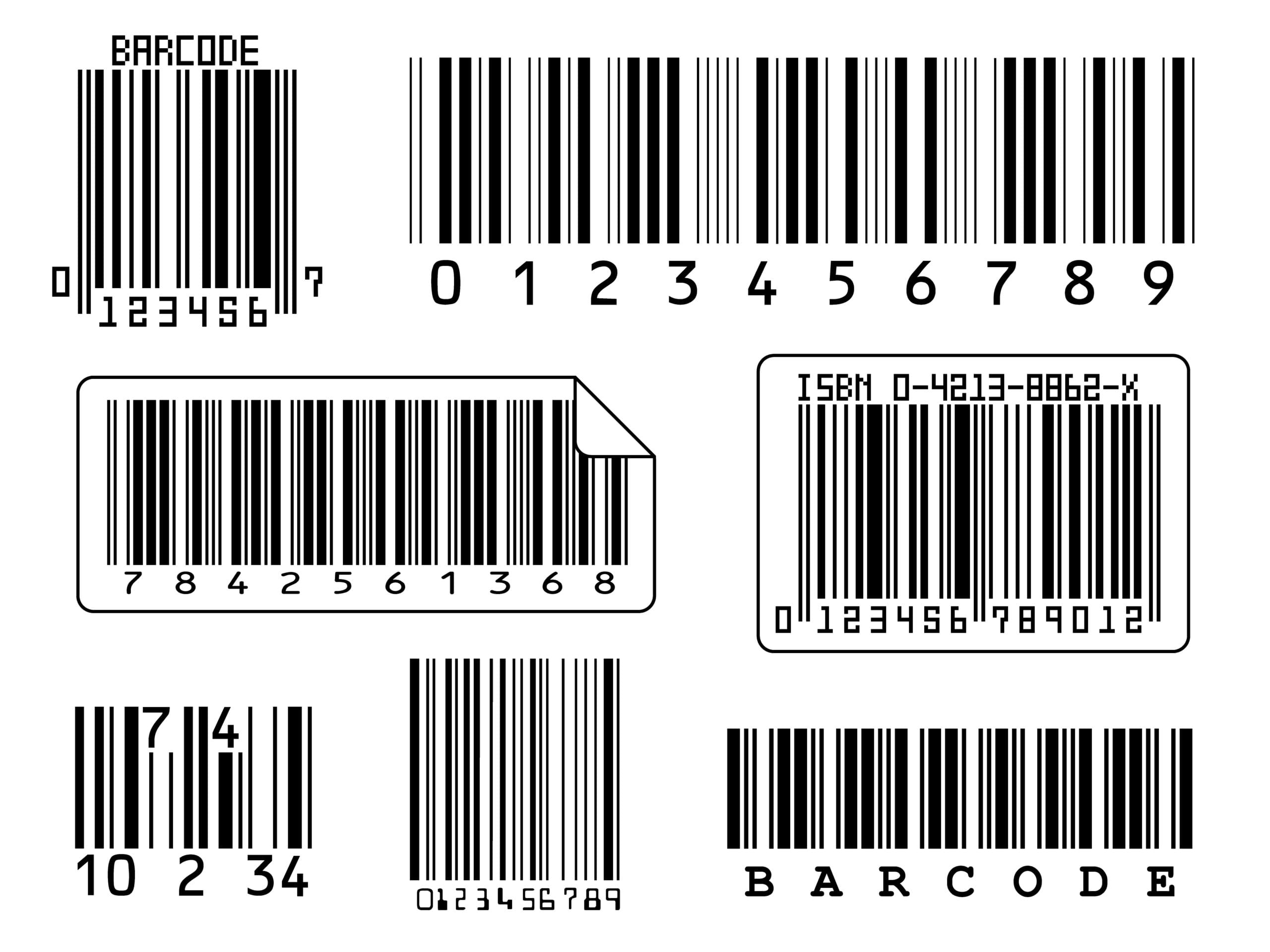
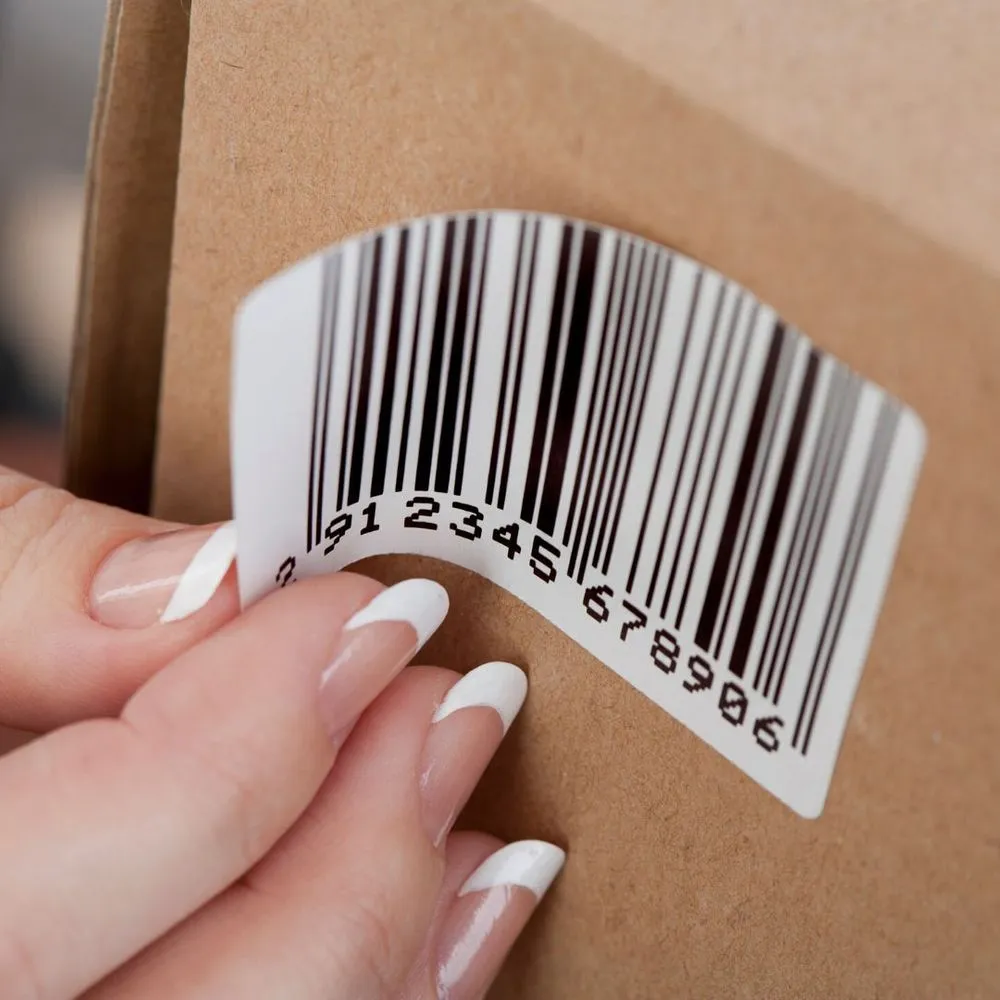
Barcodes are where label accuracy really matters. Asgard Labels supports the symbologies distribution and manufacturing teams rely on, including:
- GS1-128 and SSCC for carton and pallet labels and supply chain compliance
- QR codes for links, product information and quick lookups
- Data Matrix and GS1 DataMatrix for small items, lots, serials and expiration dates
- Common linear barcodes for item, bin and location labels
2D barcodes store far more information in less space than a linear barcode. A single GS1 DataMatrix can carry a product identifier, lot number and expiration date, so a scanner captures everything in one read. With Asgard Labels, the values encoded in Acumatica or MYOB barcodes come directly from Acumatica fields, which removes the risk of a mistyped lot or serial number.
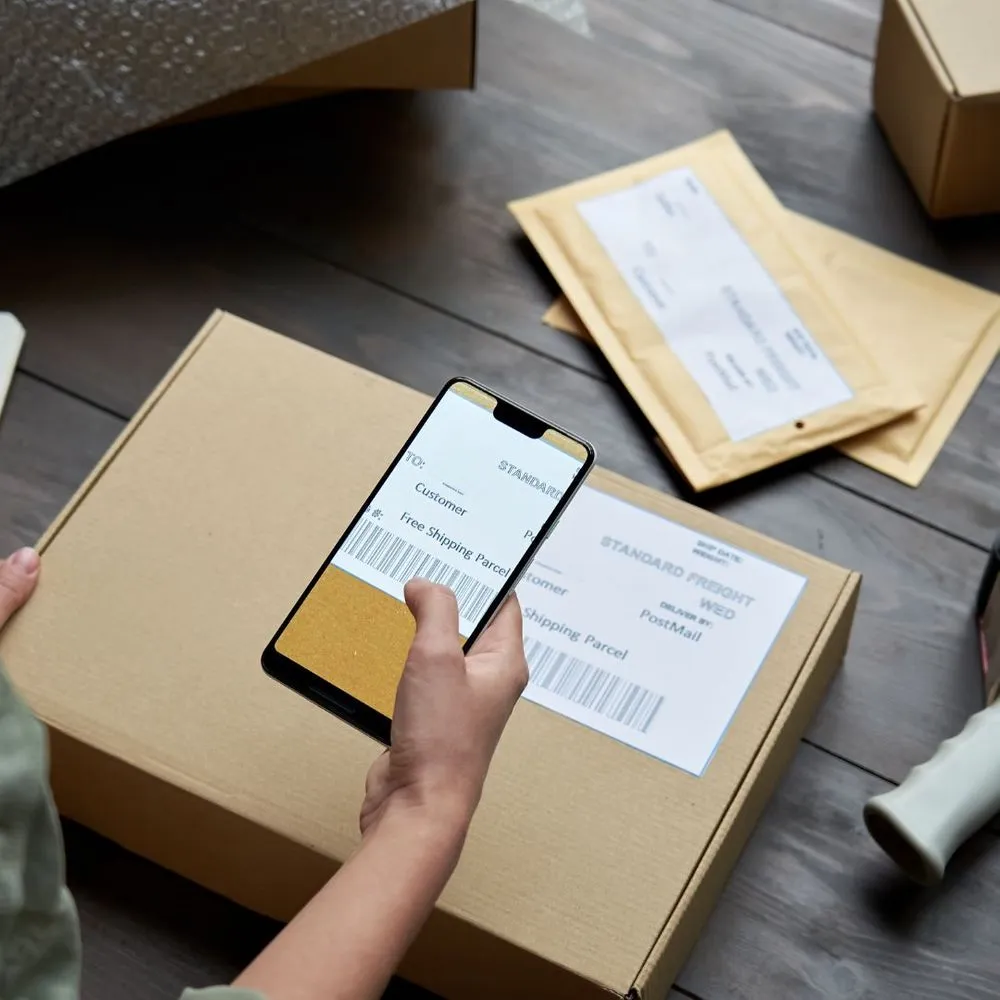
Printers and Printer Languages
Asgard Labels works with the printers you already own. That includes industrial and desktop label printers from Zebra, Honeywell (Intermec and Datamax), SATO, TSC, cab and Epson ColorWorks, as well as office laser and inkjet printers from HP, Canon, Epson, Brother, Xerox and others.
Native label printer languages
For thermal and label printers, Asgard Labels generates output in the printer’s own language:
- ZPL
- DPL
- IPL
- Fingerprint
- SBPL
- TSPL
- cab JScript
- ESC/Label
Canvas output for regular printers
For office printers, labels are produced as canvas output: PDF, PCL, PostScript or image. That means you can print a sheet of labels, a packing slip with a 2D barcode or a full-page document on a standard laser printer without any special driver. RAW printing is supported as well when you need to send native printer commands directly.
Asgard Cloud Print
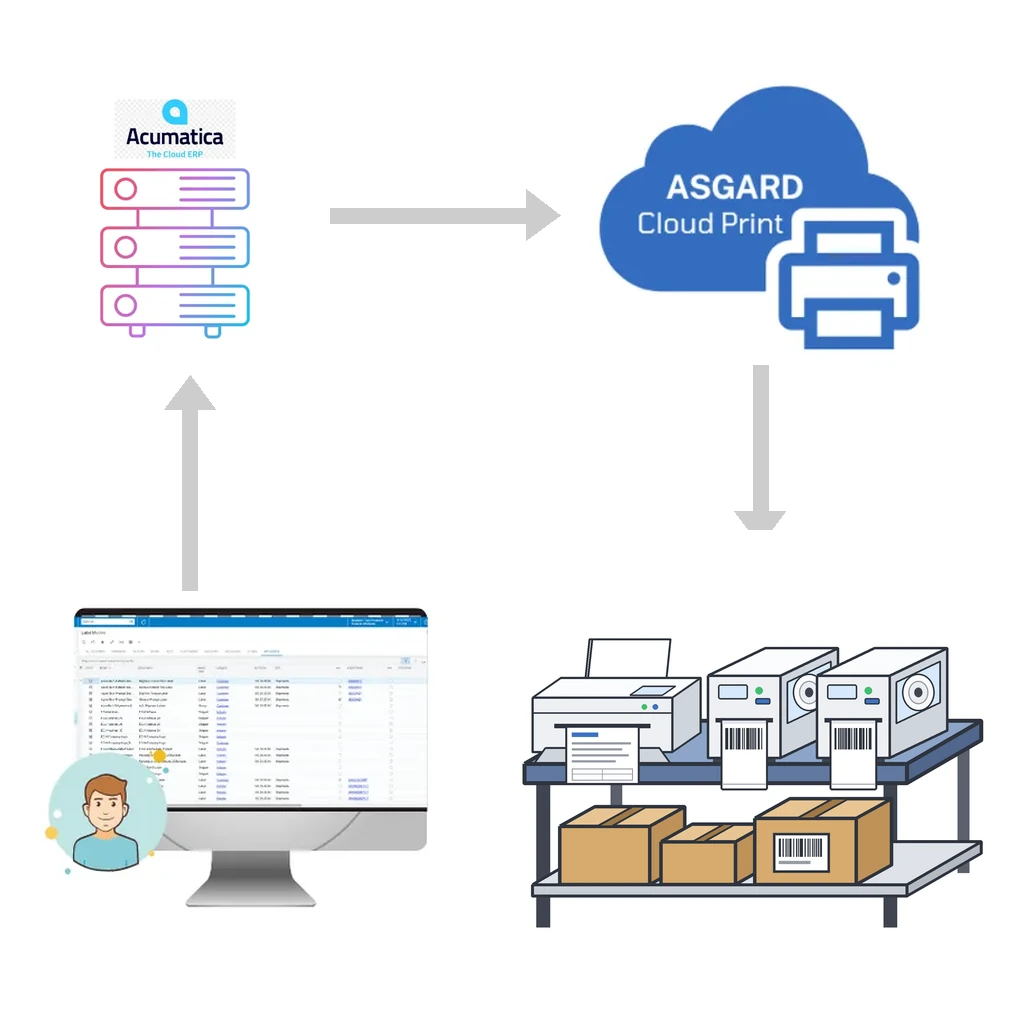
Printing from a cloud ERP to a printer on a warehouse floor has historically been the hard part. Asgard Cloud Print solves it, and it is included with Asgard Labels.
- Hosted service: no print server to build or maintain
- Near-instant delivery: event-driven software and sockets mean print jobs reach the printer almost instantly
- Any printer the OS knows: if it is installed on your computer, it works
- Print anywhere: send labels to another site or warehouse, wherever the printer is
- Secure by design: everything is encrypted, delivery uses the PrintNode service, no unneeded data is collected and information is never shared
Asgard Cloud Print also offers an API that accepts documents in ZPL or other supported native languages and sends them straight to the printer, so other systems can use the same printing path.
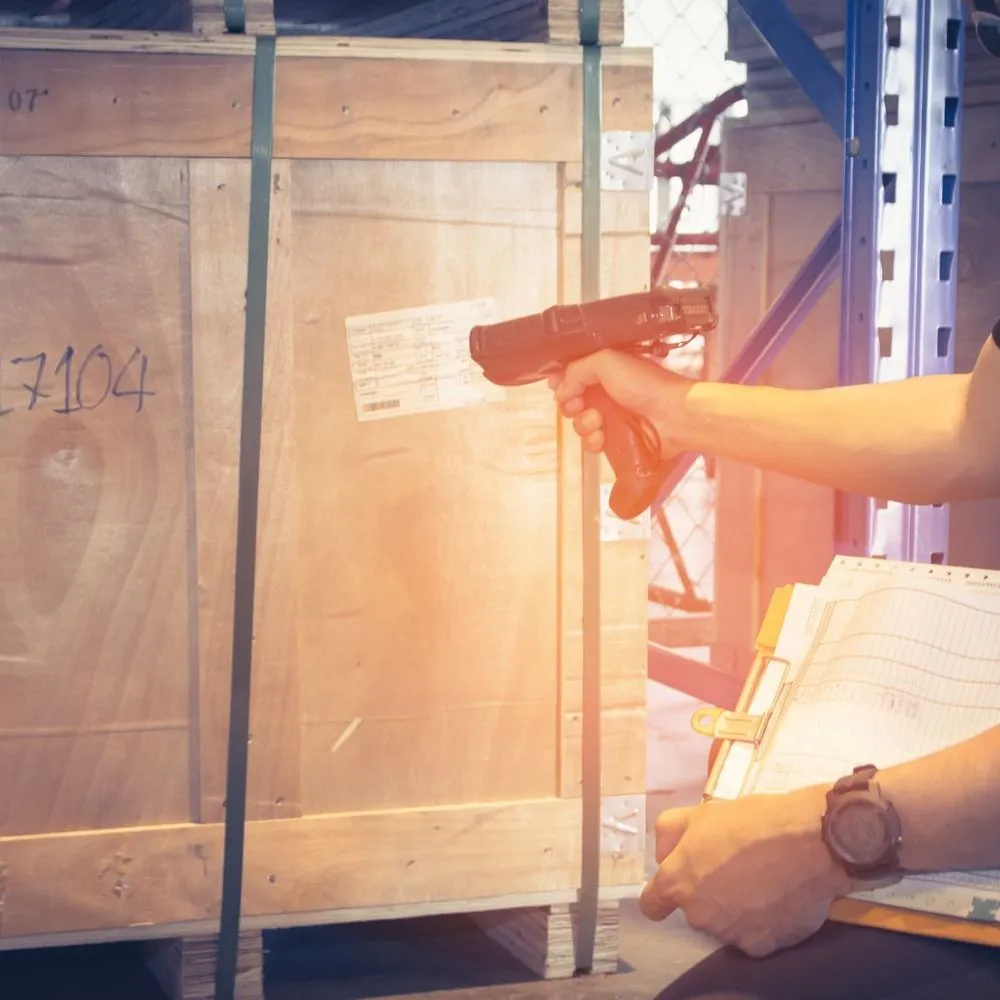
Who Uses Asgard Labels?
Asgard Labels is used by distributors, manufacturers and regulated producers that need accurate labels at volume. Two examples from our case studies:
- Adam Tech uses Asgard Labels to print product and shipping labels directly from Acumatica or MYOB.
- Pure Sunfarms prints cannabis product labels, where lot information and compliance details must be exactly right on every package.
What these teams share is a need for labels that match the ERP record every time, without a separate labeling system to maintain. Whether you print a handful of bin labels a week or thousands of carton labels a day, the workflow is the same: open the record, click print, and the label comes out of the right printer.
A Typical Rollout, Step by Step
Every project is different, but most Asgard Labels rollouts follow the same path:
- List your labels. Collect the labels you print today and the ones you wish you could print: shipping, pallet, item, bin, lot, receiving. Note the screen each one belongs to.
- Install Asgard Labels. Add the solution to your Acumatica or MYOB instance.
- Connect your printers. Set up Asgard Cloud Print on a computer that sees your printers, then register those printers in Acumatica or MYOB.
- Build your first label models. Start with one high-volume label, such as a shipment carton label, and map it to the Acumatica or MYOB fields it needs.
- Test with real data. Print from real shipments, receipts or items and scan every barcode to confirm the encoded values.
- Train users. Show each team where the print action lives on their screens. Because printing happens inside Acumatica or MYOB, training is usually short.
- Expand. Add models for the next screens and sites once the first labels are live.
Frequently Asked Questions
Do I need to write code to create labels?
No. Label models are configured in Acumatica or MYOB screens. No coding is required to design a model or print a label.
Which Acumatica or MYOB screens can print labels?
Any Acumatica or MYOB screen. Shipments, stock items, receipts, transfers, locations and production records are the most common, but the approach works wherever the data lives.
Will it work with my existing printers?
Very likely. Asgard Labels supports native languages for Zebra, Honeywell, SATO, TSC, cab and Epson ColorWorks printers, and canvas output for office laser and inkjet printers. If the printer is installed on your computer, Asgard Cloud Print can reach it.
Can I print to a printer at another warehouse?
Yes. Asgard Cloud Print delivers jobs to printers at any site, so a user in one location can print labels in another.
Which 2D barcodes are supported?
QR, Data Matrix and GS1 DataMatrix, along with GS1-128 and SSCC for logistics labels.
Is Asgard Labels certified by Acumatica or MYOB?
Yes. Asgard Labels is Acumatica-native and certified, and it is listed on the Acumatica Marketplace.
Is my data secure?
Asgard Cloud Print encrypts everything, does not collect unneeded data and never shares information.
Get Started With Asgard Labels
Asgard Labels brings label design, Acumatica or MYOB barcodes, 2D barcodes and Acumatica cloud print together in one native solution. Explore Asgard Labels, learn more about Asgard Cloud Print, or contact us to plan your rollout with our team.