
For distribution, manufacturing, assembly and inventory operations, labels are not an afterthought. They are how goods are identified, picked, shipped and traced. If your business runs on Acumatica or MYOB, the best label printing software is the one that works inside it. That is exactly what Asgard Labels does.
Native to Acumatica or MYOB and Certified
Asgard Labels is Acumatica-native and certified, and it is listed on the Acumatica Marketplace. It is the only Acumatica-native label solution. Instead of exporting data to a separate label program, you design label models in Acumatica or MYOB and print from any screen using the data already there. No coding, no middleware and no re-keying.

What to Look for in Label Printing Software
Before comparing products, it helps to know what separates good label software from the rest when you run an ERP like Acumatica or MYOB:
- Where the data comes from: the best labels read directly from the ERP record, not from an export or a spreadsheet that goes stale.
- How many systems you maintain: every connector, middleware layer or custom endpoint is one more thing to license, update and troubleshoot.
- Printer coverage: the software should drive the label printers you already own in their native language, and still print to office printers.
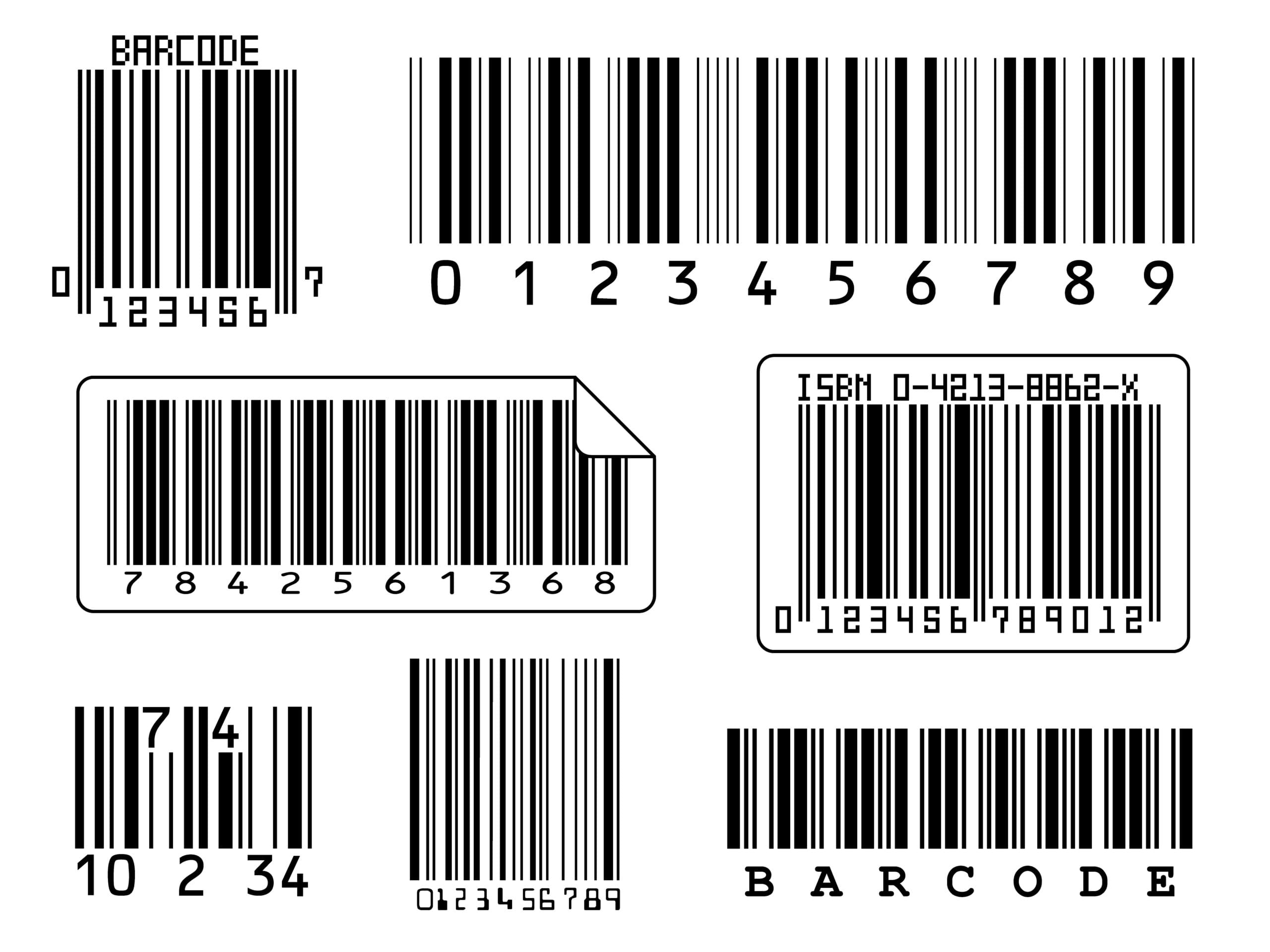
- Barcode depth: linear barcodes are not enough anymore. Look for GS1-128, SSCC, QR, Data Matrix and GS1 DataMatrix.
- Printing across sites: a cloud ERP needs a reliable way to reach printers in every warehouse.
- Who stands behind it: a partner who knows your ERP deeply will get you live faster.
Asgard Labels was built to check every one of these boxes for Acumatica or MYOB users.
A Seamless Process
Rather than juggling a complicated process across several tools, Asgard Labels keeps everything in one place:
- Build a label model once and map it to Acumatica or MYOB fields
- Print from the screen where the work happens, such as shipments, receipts, items or production
- Print as many labels as you need in one click, to any printer
Every Printer Language You Need
Asgard Labels generates native commands for industrial and desktop label printers, so your labels print sharply and fast:
- ZPL
- DPL
- IPL
- Fingerprint
- SBPL
- TSPL
- cab JScript
- ESC/Label
That covers printers from Zebra, Honeywell (Intermec and Datamax), SATO, TSC, cab and Epson ColorWorks. For office laser and inkjet printers from HP, Canon, Epson, Brother, Xerox and others, Asgard Labels produces canvas output as PDF, PCL, PostScript or image. RAW printing is supported too.

Versatile Labels and Barcodes
Asgard Labels serves many businesses and many label types:
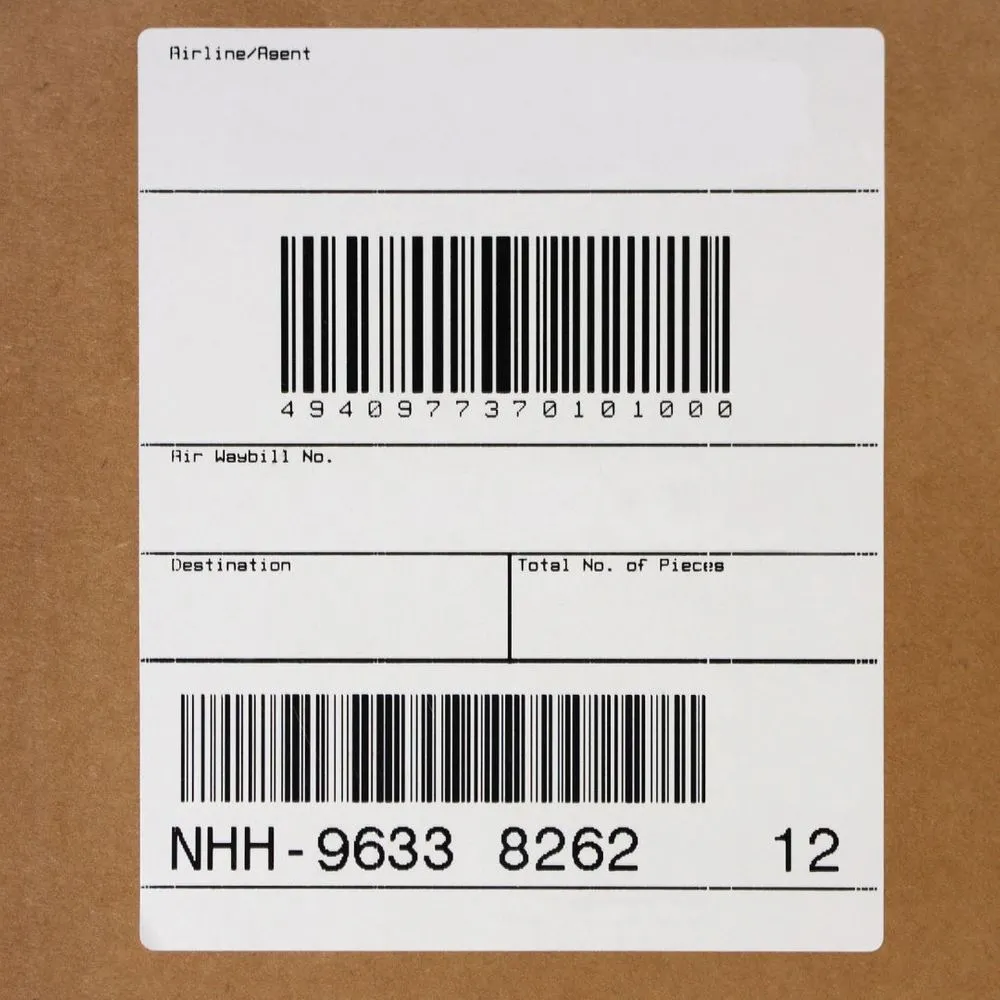
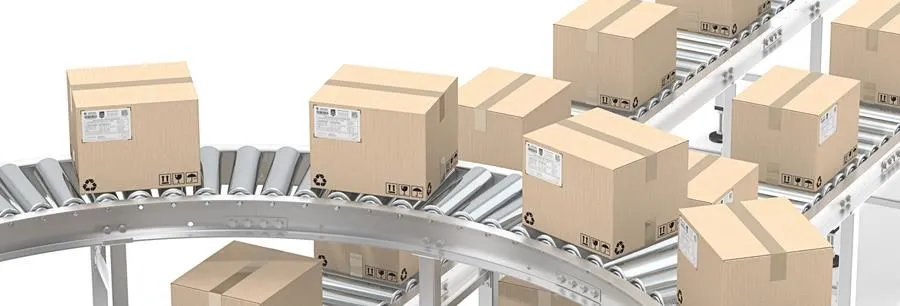
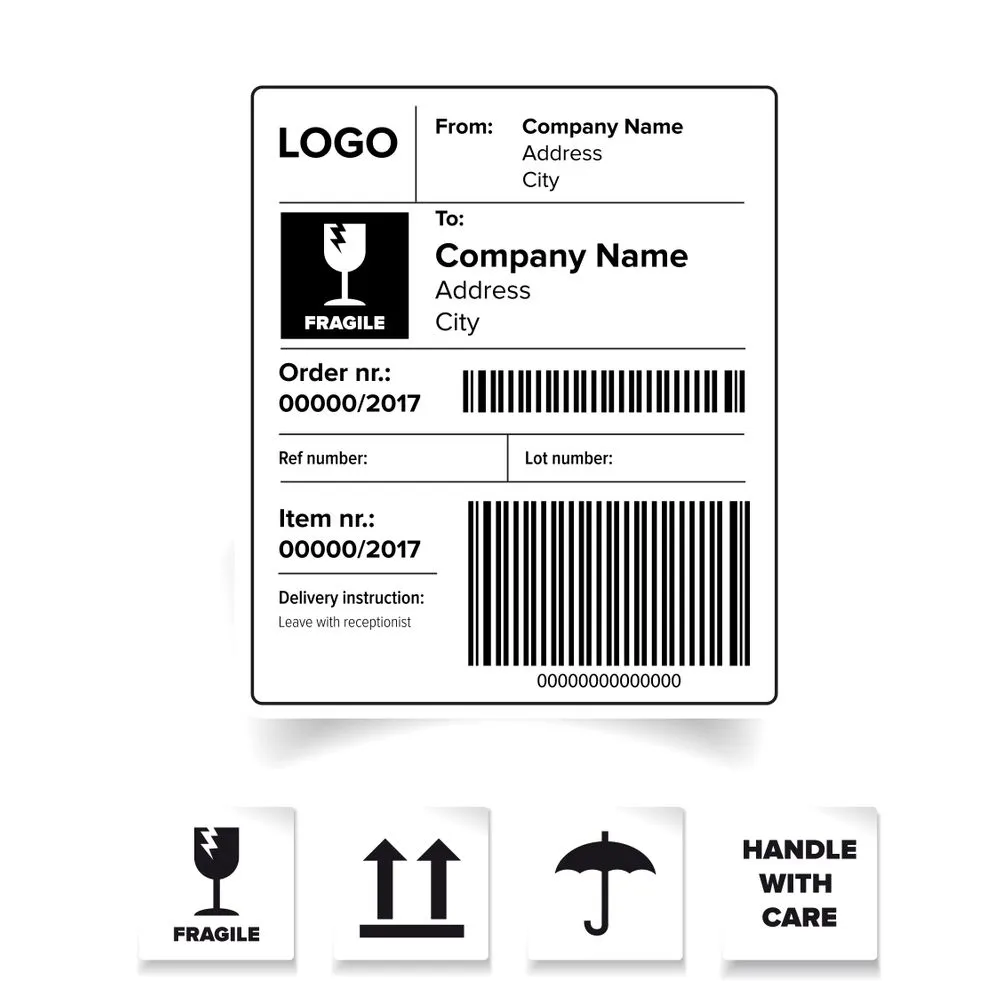
- Shipping, carton and pallet labels with your logo, addresses and GS1-128 or SSCC barcodes
- Product and item labels
- Inventory, bin and warehouse location labels
- Receiving, put-away and transfer labels
- Lot, serial and expiration labels for manufacturing and compliance
- Packing slips and documents with 2D barcodes such as QR, Data Matrix and GS1 DataMatrix
Time-Saving, From Design to Print
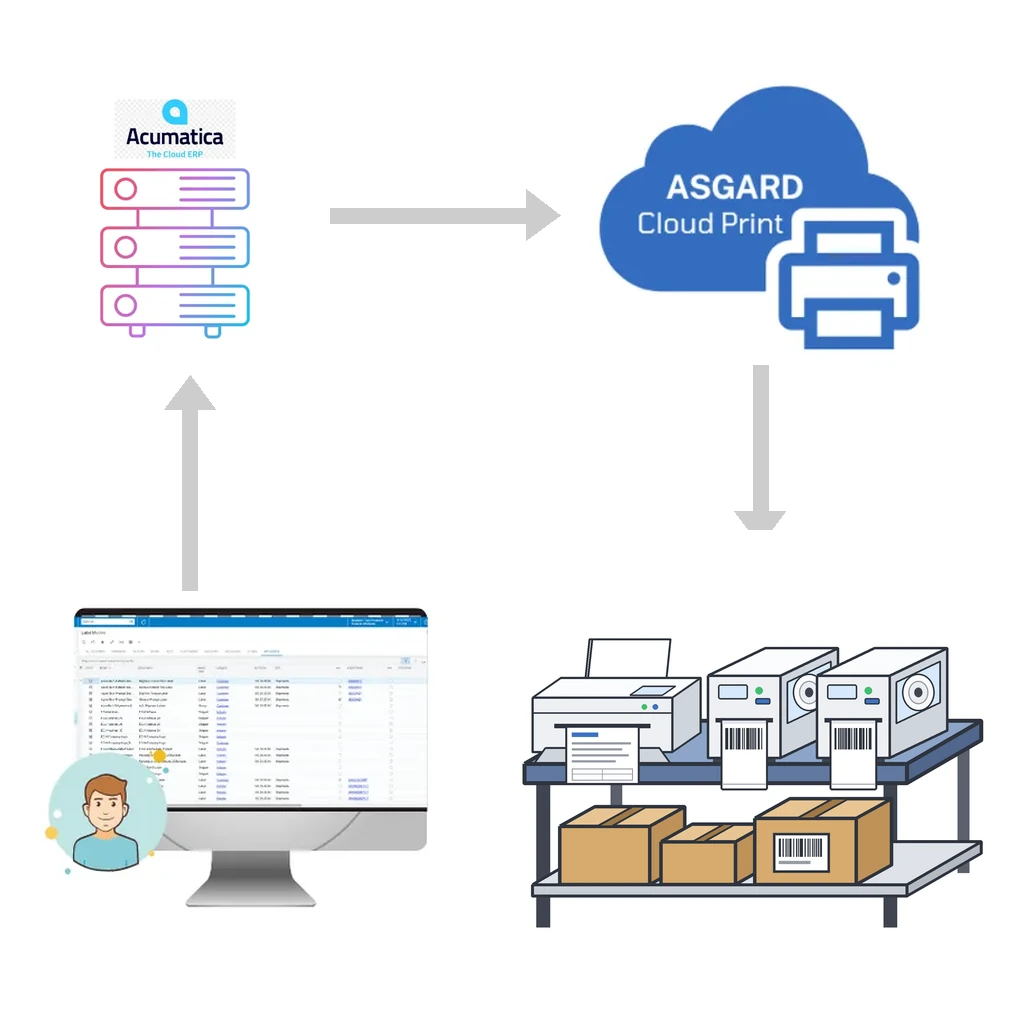
Designing labels can be as big a hassle as printing them. With Asgard Labels, both are simple. Label models reuse Acumatica or MYOB data, and Asgard Cloud Print, included with Asgard Labels, delivers print jobs to your printers almost instantly, at any site or warehouse. If a printer is installed on your computer, it works.

Secure, Reliable Printing Across Sites
Asgard Cloud Print is event-driven and uses sockets, so jobs do not wait in a polling queue. It works with any printer the operating system knows, encrypts everything, uses the PrintNode service for delivery, does not collect unneeded data and never shares information. A user at head office can print a pallet label at a distribution center in another city as easily as printing at their own desk.
For teams that generate labels outside Acumatica or MYOB, the Asgard Cloud Print API accepts documents in ZPL or other supported native languages and sends them straight to the printer.
Frequently Asked Questions
Do I need to replace my printers?
Usually not. Asgard Labels supports the native languages of the major label printer brands and prints to regular office printers through PDF, PCL, PostScript or image output.
Do I need a developer to design labels?
No. Label models are configured in Acumatica or MYOB without coding.
Is Asgard Labels an add-on or part of Acumatica or MYOB?
It is Acumatica-native and certified, and it runs inside your Acumatica or MYOB instance.
Choose Asgard Labels
Asgard Alliance is an Acumatica ISV partner with more than 30 years of ERP experience and a decade on Acumatica or MYOB. Our founder is a past Acumatica Developer of the Year and a multi-year Acumatica MVP. Whether you need labels to ship your products, track your inventory or meet compliance requirements, Asgard Labels has what you need.
Explore Asgard Labels or contact us to schedule a consultation.