
Every thermal label printer has a native command language. When you print a shipping label from Acumatica or MYOB, something has to turn your label design and your data into instructions the printer understands. Whether that is the printer’s own language or a rendered image makes a real difference in speed, barcode quality and reliability.
This post compares the main label printer languages, shows which brands use which, and explains how Asgard Labels and Asgard Cloud Print handle both native and regular printers.
Why printer languages exist
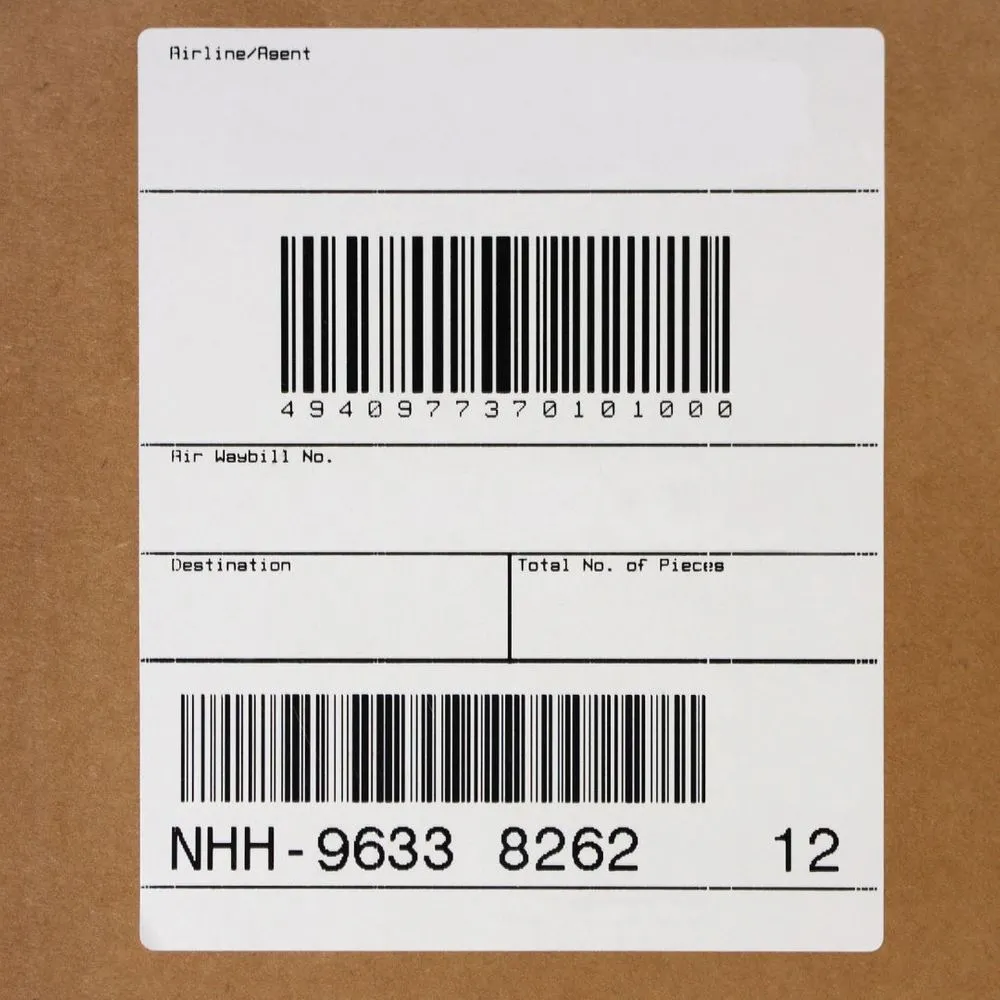
Label printers are built for one job: put text, lines, logos and barcodes on labels quickly and accurately, often thousands of times a day. Rather than receiving a full page image like an office printer, they receive short commands such as “place this text here in this font” or “draw a Code 128 barcode with this data.” The printer generates the barcode itself, at its own resolution. That is why a native label job is typically small, fast and sharp.
The languages, brand by brand
ZPL: Zebra
ZPL, the Zebra Programming Language, is the most widely recognized label language. It is used on Zebra industrial, desktop and mobile printers, and many other vendors offer ZPL emulation because so many existing templates are written in it. If you have inherited label files from another system, there is a good chance they are ZPL.
DPL: Datamax (Honeywell)
DPL, the Datamax Programming Language, is native to Datamax-O’Neil printers, now part of Honeywell. It is common in manufacturing and distribution sites with long-lived Datamax fleets.
IPL and Fingerprint: Intermec (Honeywell)
Intermec printers, also part of Honeywell, use two languages. IPL, the Intermec Printer Language, is a command-based language similar in spirit to ZPL and DPL. Fingerprint is a more programmable language that supports logic running on the printer. Many Honeywell printers support several of these languages, selectable in the printer configuration.
SBPL: SATO
SBPL, the SATO Barcode Printer Language, is native to SATO printers, widely used in retail, healthcare and industrial labeling.
TSPL: TSC
TSPL, and its successor versions, is the language of TSC printers. TSC is a popular choice for cost-effective desktop and industrial thermal printing.
cab JScript: cab
cab printers use JScript, a compact command language for cab’s industrial and print-and-apply devices, common in European manufacturing and increasingly in North America.
ESC/Label: Epson ColorWorks
ESC/Label is the language of Epson ColorWorks color label printers. It lets you print full-color labels, such as product or compliance labels with colored logos and hazard symbols, while keeping the efficiency of a label language.
Native printing vs canvas printing
Native printing
With native printing, the label is converted into the printer’s own language and sent as RAW data. The printer draws the barcodes and text itself. Benefits include:
- Speed: jobs are small, so they travel and print quickly, which matters when you print a label per carton.
- Barcode quality: bars align to the printer’s dot grid, which improves scan rates, especially for dense GS1-128 and 2D barcodes.
- Printer features: resident fonts, cutters, peelers, print-and-apply and RFID encoding are driven by native commands.
- Consistency: no driver scaling, margins or dithering surprises.
Canvas printing
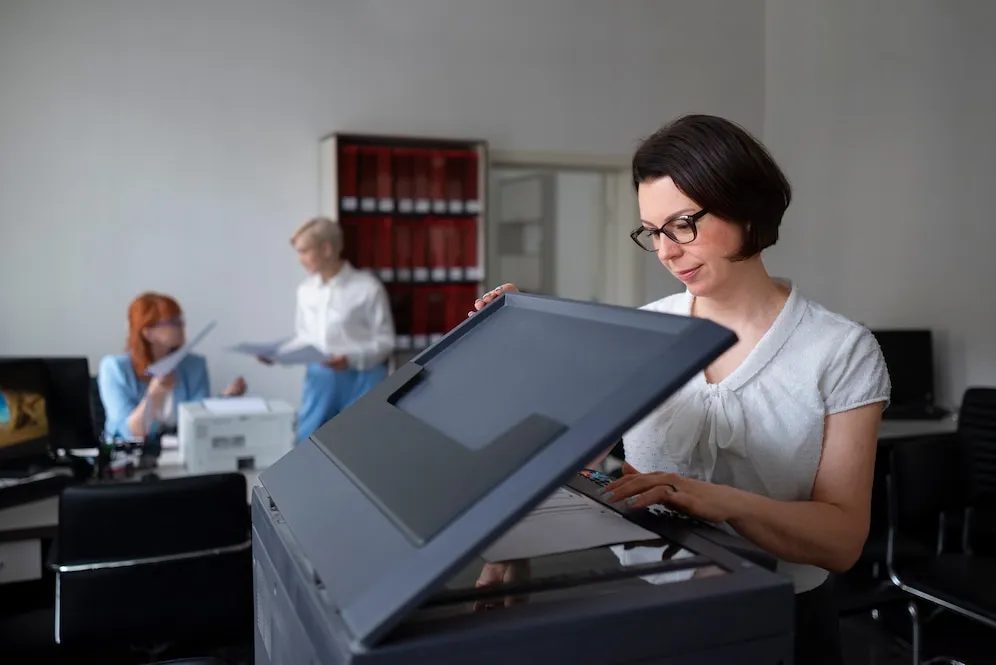
Office laser and inkjet printers do not speak label languages. For them, the label or document is rendered as a canvas: PDF, PCL, PostScript or an image. Canvas output is the right choice for packing slips, sheet labels, documents with 2D barcodes and any printer without a label language. It is also a useful fallback for label printers whose language is not supported, but at the cost of larger jobs and barcodes that depend on the rendering resolution.
Which to choose
- Thermal label printer with a supported language: print native.
- Office printer: print canvas output, usually PDF.
- Color label printer: ESC/Label for Epson ColorWorks.
- Mixed fleet: use one label design and let each printer receive its own format.
The real problem: one design, many languages
Most companies do not have a single printer brand. A warehouse might run Zebra on the shipping line, SATO in receiving, Honeywell in production and HP printers in the office. If each label is hand-written in a specific language, every design must be maintained several times, and replacing a printer means rewriting templates.
The better approach is to design each label once, around your Acumatica or MYOB data, and generate the right language for the printer at print time.
How Asgard Labels and Asgard Cloud Print handle it
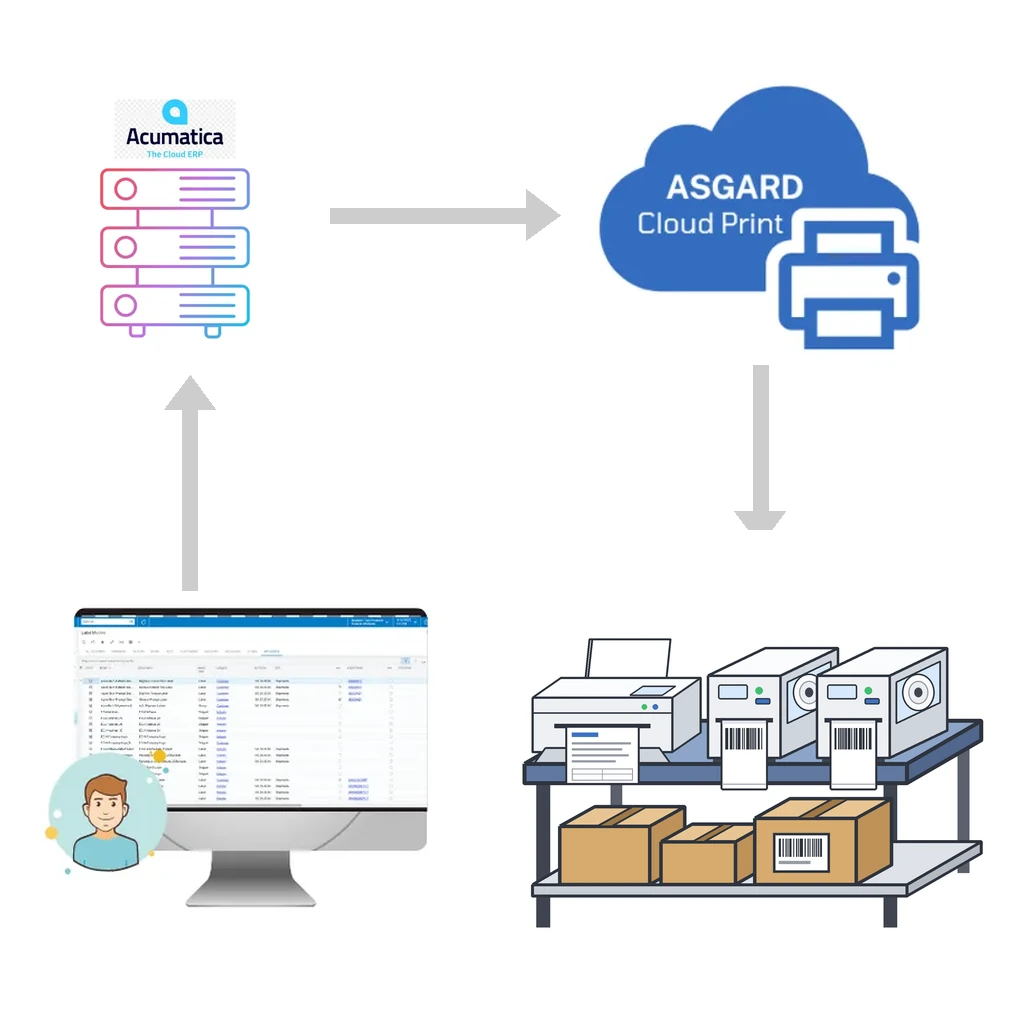
Asgard Labels is the Acumatica-native, certified label solution, and Asgard Cloud Print is its included hosted printing service. Together they:
- Support native label languages: ZPL, DPL, IPL, Fingerprint, SBPL, TSPL, cab JScript and ESC/Label.
- Produce canvas output: PDF, PCL, PostScript or image for regular office printers.
- Send RAW jobs straight to the printer, the most reliable way to drive thermal printers from Zebra, Honeywell, SATO, TSC and others.
- Accept native documents through an API: the Asgard Cloud Print API takes documents in ZPL or another supported native language and sends them straight to the printer.
- Work with any printer the operating system knows: if it is installed on your computer, it works.
- Print from any Acumatica or MYOB screen, with no coding, one click and as many labels as needed.
Delivery is event-driven and socket-based, so jobs reach the printer almost instantly, and everything is encrypted along the way. Printing at another warehouse or site uses the same designs and the same buttons.
Tips when choosing or replacing label printers
- Check which native languages the printer supports and which is enabled by default.
- Match resolution to your barcodes: 203 dpi is common for shipping labels, 300 dpi or more helps with small 2D barcodes and fine text.
- Confirm media width and type, direct thermal or thermal transfer, for durability and compliance needs.
- Test real labels with real data and real scanners before rolling out.
Print native from Acumatica or MYOB
Stop maintaining one template per printer brand. See how Asgard Labels and Asgard Cloud Print print Acumatica or MYOB labels in each printer’s own language, or contact us with your printer list.