

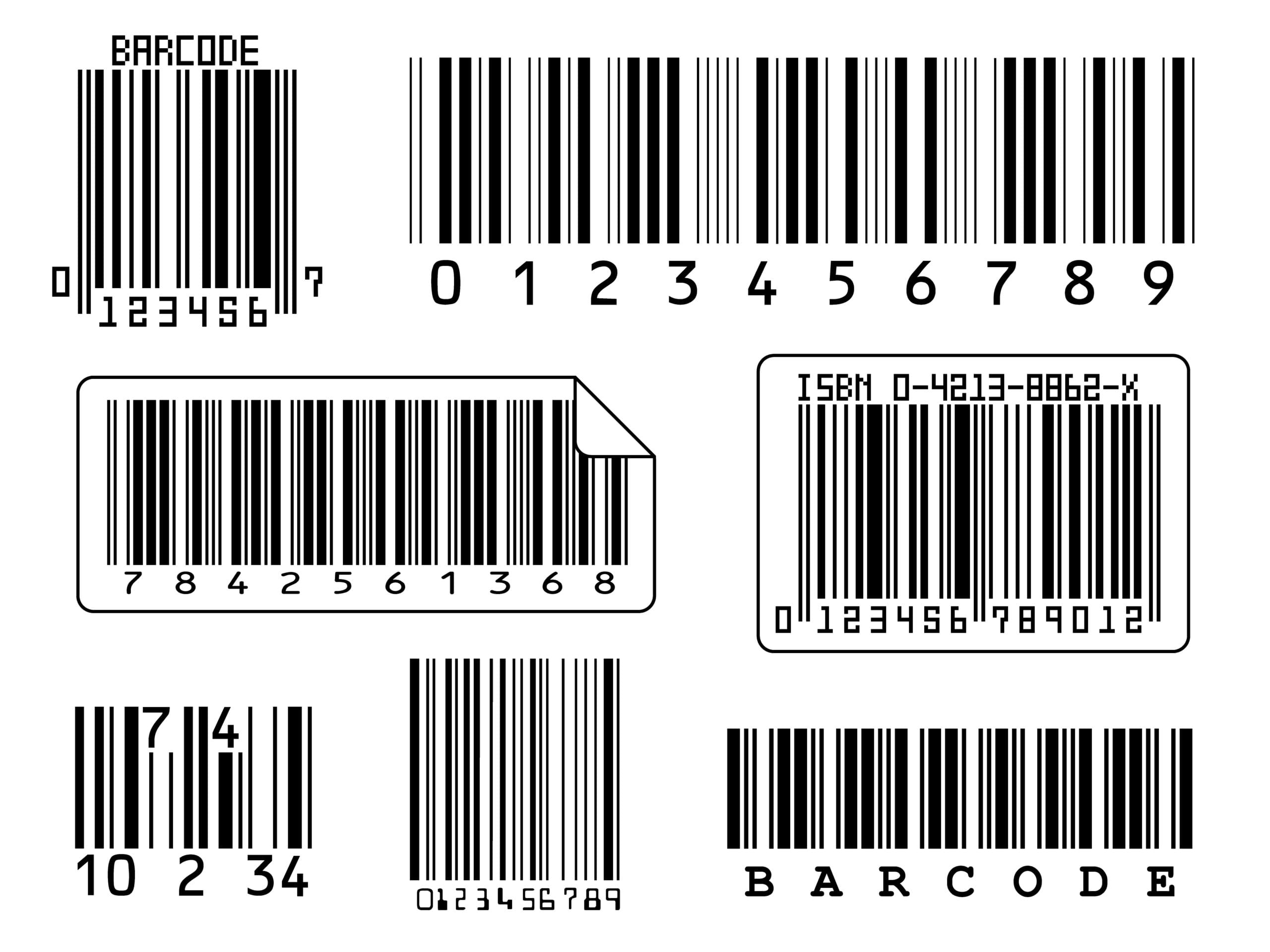
Barcodes are the bridge between your physical inventory and your Acumatica or MYOB data. A classic 1D barcode can carry an item number. 2D barcodes and GS1 standards go much further: they can carry the product identifier, the lot, the expiration date and the serial number in a single scan. Choosing the right symbology, and encoding the data correctly, is what makes a label useful to your warehouse, your customers and your trading partners.
This guide compares the barcode types most Acumatica or MYOB users run into, explains the GS1 identifiers that matter most, and shows how Asgard Labels prints them from any Acumatica screen.
The four barcodes you will meet most
QR code
QR codes are square 2D symbols with large finder patterns in three corners. They are read easily by phone cameras, which makes them ideal for anything a person, not a scanner, will read: a link to a product page, installation instructions, a customer portal, or a document lookup. QR codes can hold a lot of data, but they are larger than Data Matrix for the same content, and they are less common on industrial scanners in older warehouses.
Data Matrix
Data Matrix is a compact 2D symbol that stays readable at very small sizes. It is popular for internal use: small parts, bins, work orders, serial-numbered components and anything where label space is tight. A plain Data Matrix can encode whatever you put in it, such as an item ID and lot separated by a delimiter, but that structure is yours alone and trading partners will not know how to interpret it.
GS1 DataMatrix
GS1 DataMatrix is the same symbol with a GS1 structure. It begins with a special FNC1 character that tells the scanner the content follows GS1 rules, and the data is organized in Application Identifiers. That makes the content machine-readable by anyone in the supply chain. GS1 DataMatrix is common in healthcare, pharmaceuticals and regulated products, and more and more in food and consumer goods.
GS1-128
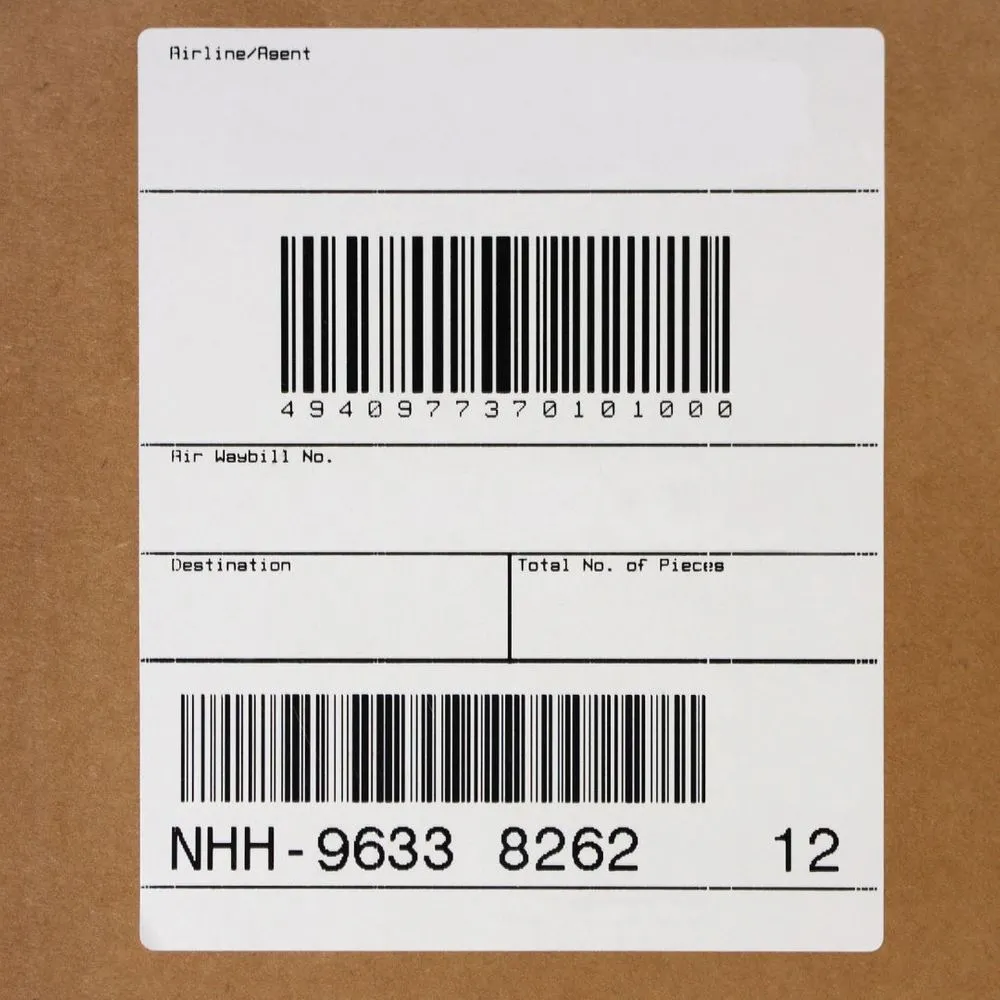
GS1-128 is a 1D linear barcode that carries GS1 Application Identifiers. It is the standard barcode on logistics labels, most notably the SSCC on carton and pallet shipping labels. It is wide rather than compact, but it is read by virtually every warehouse scanner in use and is often required by retailers and distributors.
GS1 Application Identifiers you should know
Application Identifiers, or AIs, are the short numeric prefixes that tell a scanner what each piece of data means. The most common ones for Acumatica or MYOB users are:
- (00) SSCC: the Serial Shipping Container Code, an 18-digit number that uniquely identifies a carton or pallet.
- (01) GTIN: the Global Trade Item Number, which identifies the product itself, written as 14 digits.
- (10) Batch or lot: the lot number, a variable-length field.
- (11) Production date and (15) Best before date, in YYMMDD format.
- (17) Expiration date, also YYMMDD.
- (21) Serial number: a variable-length field for serialized items.
- (37) Count of trade items contained in a logistic unit, often paired with (02).
- (310n) Net weight in kilograms, where n is the number of decimal places.
Fixed-length AIs such as GTIN and dates can be chained directly. Variable-length AIs such as lot and serial need a separator, the FNC1 group separator, unless they are the last element. Getting this wrong is one of the most common reasons a GS1 barcode scans but is rejected by a partner’s system.
When to use which
- Shipping cartons and pallets: GS1-128 with the SSCC, often alongside GTIN, count, lot and dates in a separate GS1-128 on the same label.
- Retail and distribution products: a GTIN in the barcode your customer requires, commonly a linear retail barcode, with GS1 DataMatrix or GS1-128 on the case.
- Regulated, lot-tracked or serialized products: GS1 DataMatrix with GTIN, lot, expiry and serial in one compact symbol.
- Internal warehouse use: Data Matrix or QR for bins, locations, work orders and receiving labels, where speed and size matter more than external interoperability.
- Anything a customer will scan with a phone: QR, often pointing to a web page.
- Documents: a 2D barcode on a packing slip or pick list that encodes the order or shipment number, so a scan opens the right record.
When in doubt, ask two questions. Who will scan it: your own team, a trading partner, or a consumer? And what does the receiving system need to know? The answers usually pick the symbology for you.
Where the data comes from in Acumatica or MYOB
A barcode is only as good as the data behind it. In Acumatica or MYOB, the pieces are already there:
- GTIN: typically stored as a cross-reference or attribute on the stock item.
- Lot, serial and expiration: tracked through lot and serial classes on receipts, production and shipments.
- SSCC: built from your GS1 company prefix and a sequence, assigned per carton or pallet.
- Quantities, weights and dates: available on the shipment, receipt or production record.
The challenge is not storing the data, it is getting it onto the label correctly, at the right time, without anyone retyping it.
How Asgard Labels prints 2D barcodes and GS1 from Acumatica or MYOB

Asgard Labels is the Acumatica-native, certified label solution. It prints labels, 1D barcodes and 2D barcodes, including QR, Data Matrix, GS1 DataMatrix and GS1-128 with SSCC, directly from Acumatica or MYOB.
- From any Acumatica or MYOB screen: shipments, receipts, stock items, locations, production orders, or your own screens.
- No coding: labels use Acumatica or MYOB data, including user-defined fields, and GS1 structures are built from those fields.
- Conditional rules reduce errors, for example showing an expiry barcode only for lot-tracked items with an expiration date.
- One click, as many labels as needed: one per carton, one per pallet, or one per unit.
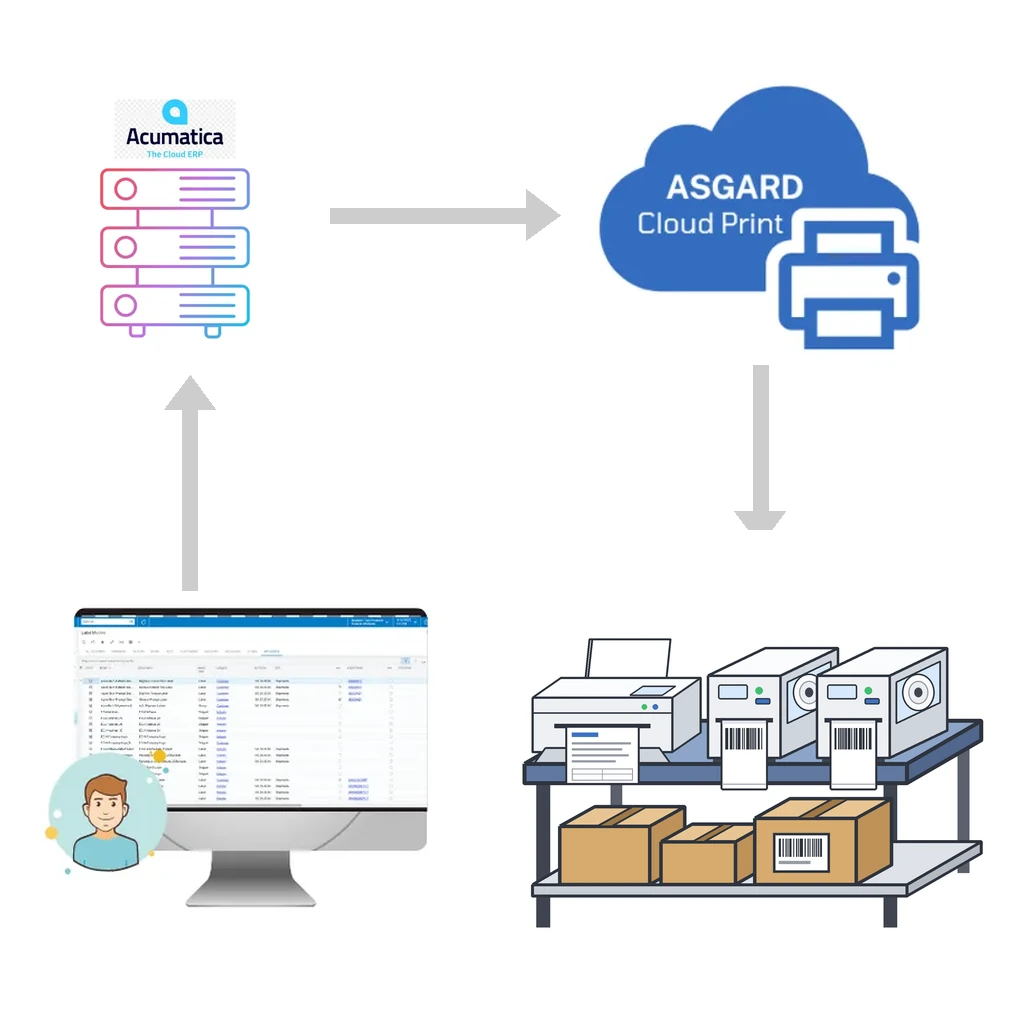
- Any printer: native label languages for thermal printers, and canvas output for office printers, delivered through Asgard Cloud Print.
Because the label reads live Acumatica or MYOB data at print time, the barcode always matches the record, and reprinting a damaged label produces exactly the same content.
Practical tips for reliable barcodes
- Respect quiet zones around linear barcodes, and do not squeeze GS1-128 below its minimum size.
- Print thermal barcodes in the printer’s native language so bars are placed at the printer’s real resolution.
- Test with the same scanners and the same partner system that will read the label in production.
- Validate check digits on GTIN and SSCC before go-live.
- Keep human-readable text below the barcode, in the GS1 format with AIs in parentheses.
Get your Acumatica or MYOB barcodes right
Whether you need a QR code on a packing slip or GS1-128 SSCC labels for a retailer, Asgard Labels prints them from the Acumatica or MYOB screens you already use. Contact us to review your labeling requirements.