

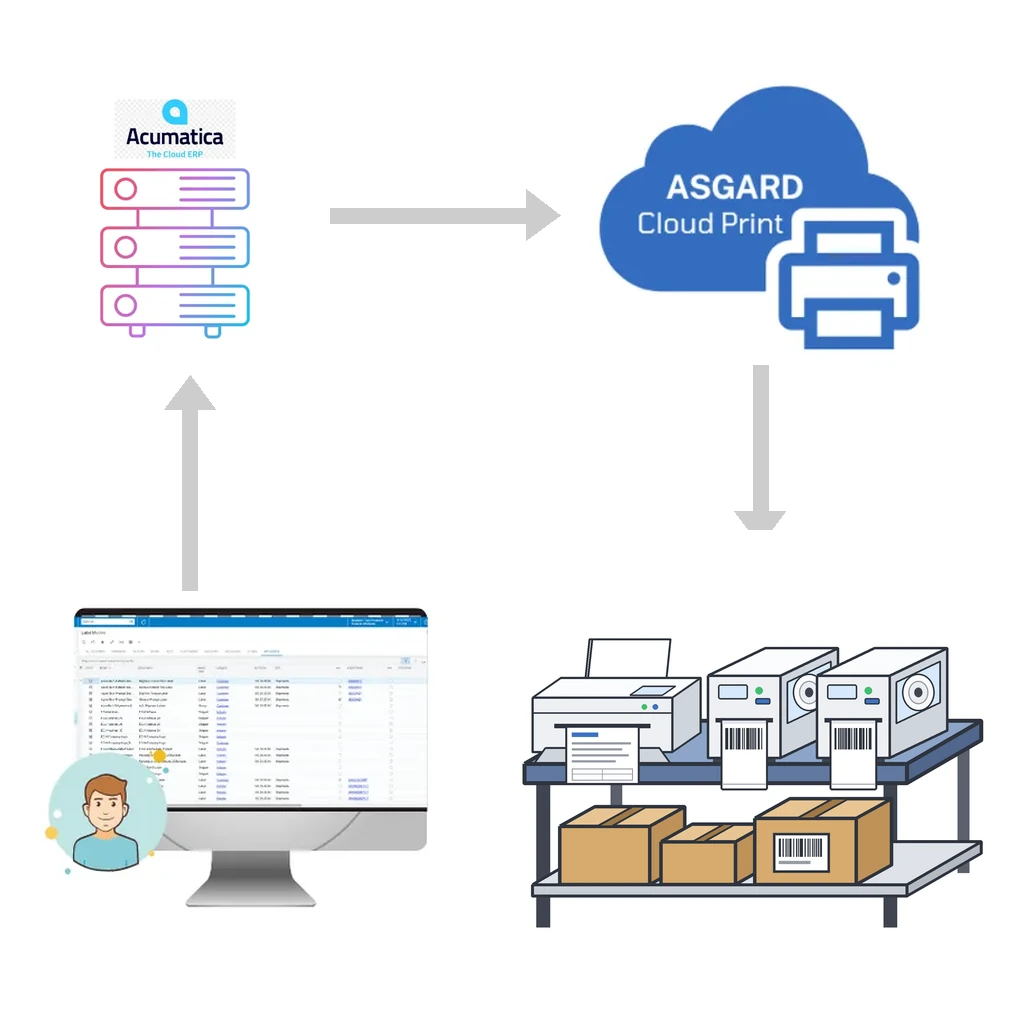
Acumatica or MYOB runs in the browser, which is exactly what makes it so easy to use from anywhere. Printing is the part that has always been harder. A browser can open a PDF and send it to a desktop printer, but it cannot talk directly to a thermal label printer on a warehouse floor, and it certainly cannot send a pallet label to a printer at another site. That gap is what Acumatica or MYOB cloud print is meant to close.
Asgard Cloud Print is the hosted printing service included with Asgard Labels, the Acumatica-native label solution. This post explains how it works, which printers and languages it supports, how it handles security, and what setup looks like.
The problem with printing from a cloud ERP
Most warehouses and plants that move to Acumatica or MYOB discover the same set of printing headaches:
- Label printers are connected to local computers or the local network, while Acumatica or MYOB lives in the cloud.
- Browser printing adds dialogs, scaling and margins, which is fine for an invoice but not for a 4×6 shipping label.
- Thermal printers work best when they receive their own native language, not a rendered image.
- Multi-site companies need to print at a remote warehouse, not only at the desk of the person clicking the button.

Asgard Cloud Print solves these by moving the print job from Acumatica or MYOB to the printer through a hosted service, without a browser print dialog in the middle.
How Asgard Cloud Print works
Event-driven, socket-based delivery
Asgard Cloud Print uses event-driven software and sockets. Instead of a printer checking in on a schedule to ask whether there is work waiting, the job is pushed as soon as it is created. The result is that a print job reaches the printer almost instantly. Actual speed depends on the size of the job and the internet connection at each end, but there is no polling delay built into the design.
PrintNode for the last mile
For delivery to the printer, Asgard Cloud Print uses the PrintNode service. PrintNode is a well-established cloud printing layer that connects a computer and its installed printers to a secure online service. Asgard Cloud Print builds on it so that Acumatica or MYOB users do not have to manage print servers, VPNs or port forwarding.
Any printer the operating system knows
The rule is simple: if a printer is installed on your computer, it works. Printers are listed from the operating system, so there is no separate driver catalog to maintain. That includes:
- Industrial and desktop label printers: Zebra, Honeywell (Intermec and Datamax), SATO, TSC, cab and Epson ColorWorks.
- Office laser and inkjet printers: HP, Canon, Epson, Brother, Xerox and others.
Native printer languages vs canvas output
Not every printer speaks the same language, and Asgard Cloud Print does not force them to.
Native label languages
Thermal label printers have their own command languages. Asgard Labels and Asgard Cloud Print support ZPL, DPL, IPL, Fingerprint, SBPL, TSPL, cab JScript and ESC/Label. When a label is sent in the printer’s native language, the printer renders the text and barcodes itself. That produces crisp barcodes at the printer’s true resolution, small job sizes and fast output.
Canvas output for regular printers
Office printers do not understand label languages, so for them the label or document is rendered as canvas output: PDF, PCL, PostScript or an image. This is how you print a packing slip with a 2D barcode on a laser printer, or a sheet of product labels on an inkjet, from the same Acumatica or MYOB screen that sends ZPL to a Zebra in the shipping area.
RAW printing and the Asgard Cloud Print API

RAW printing sends the native printer language straight to the device, with no driver translation in between. It is the most reliable way to drive thermal label and barcode printers from Zebra, Honeywell, SATO, TSC and others.
Asgard Cloud Print also exposes an API. It accepts documents in ZPL or another supported native language and sends them straight to the printer. That is useful when another system already produces label code, for example a carrier integration or an existing template library, and you simply need a secure, fast way to get it to a printer on your network.
Security and privacy
Printing shipping labels means handling customer names, addresses and order details, so security is part of the design rather than an add-on:
- Everything is encrypted in transit between Acumatica or MYOB, the service and the printer.
- Minimal data collection: Asgard Cloud Print does not collect data it does not need.
- No sharing: information is never shared with third parties.
- No inbound ports to open on your network for printing, since the connection is established from the printing computer to the service.
Multi-site and warehouse printing
Because the print job travels through a hosted service, the printer does not need to be near the person who triggered it. A customer service rep in one office can release an order and have the shipping label print in the warehouse. A receiving clerk can print put-away labels at the dock while a supervisor reprints a pallet label from a different building. A company with several warehouses can print at another site, anywhere, using the same Acumatica or MYOB screens and the same label designs.
This also simplifies hardware changes. Replace a printer, install it on the local computer, and it appears in the list. The label designs in Acumatica or MYOB stay the same.
Setup overview
Getting started is deliberately short:
- Install Asgard Labels in your Acumatica or MYOB instance. It is Acumatica-native and certified, and available on the Acumatica Marketplace.
- Install the printing client on a computer that has your printers installed. This is the computer that receives jobs and hands them to the printers.
- Printers are listed automatically from the operating system, so there is no manual printer registration.
- Choose the output for each printer: a native label language for thermal printers, or canvas output for office printers.
- Print from any Acumatica or MYOB screen with one click, as many labels as you need.
The Asgard Alliance Help Center covers installation and printer connection details, and the support team can help with the first setup.
Where Acumatica or MYOB cloud print makes the biggest difference
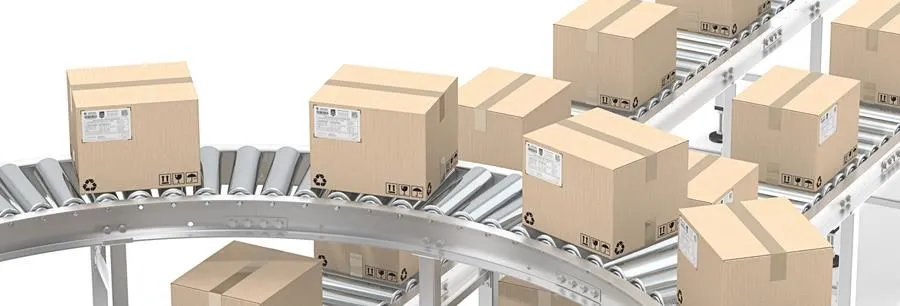
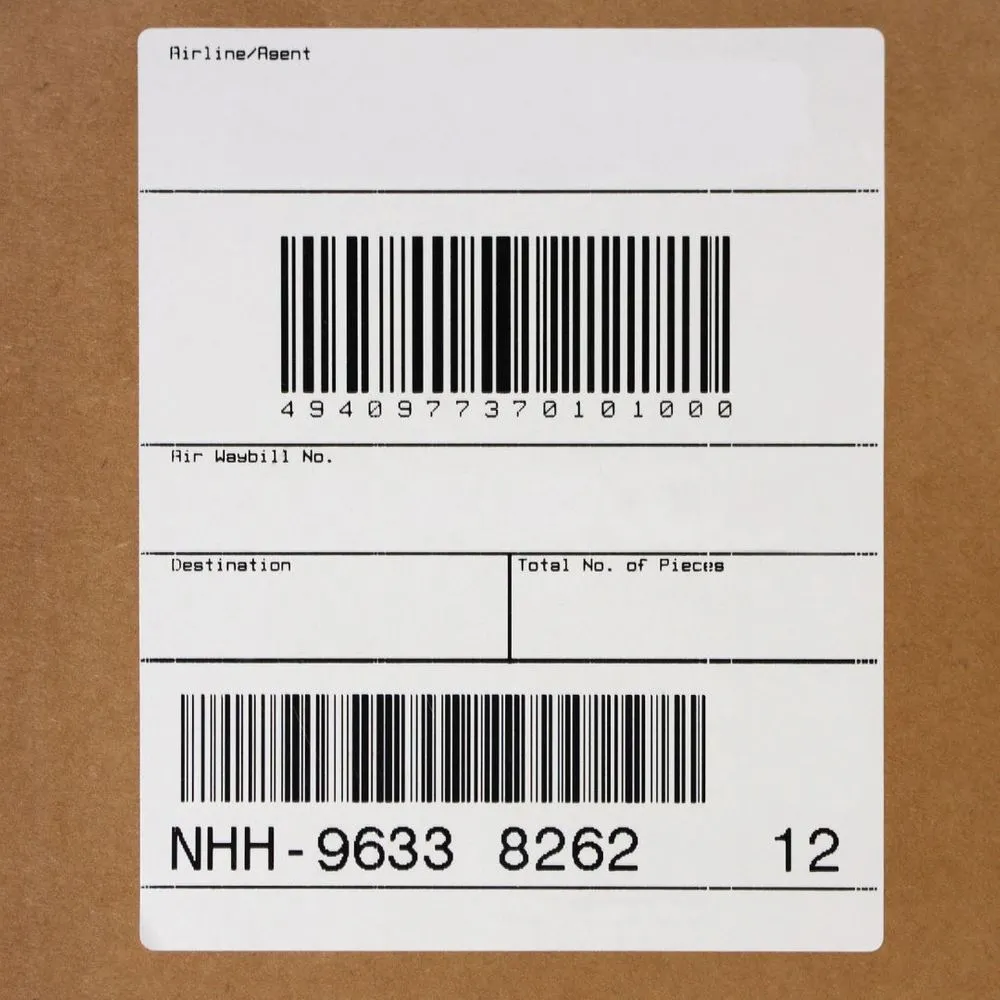
- Shipping: carton and pallet labels with logos, addresses and GS1-128 barcodes, printed where the boxes are.
- Receiving and put-away: labels printed at the dock as goods arrive.
- Inventory and locations: bin and warehouse location labels printed in batches.
- Manufacturing and compliance: lot, serial and expiration labels printed at the line.
- Documents: packing slips and documents with 2D barcodes on regular office printers.
Built by an Acumatica ISV partner
Asgard Alliance is a Montreal-based Acumatica ISV partner. Our founder, Stéphane Bélanger, has worked in ERP since 1993 and with Acumatica since 2016, and is Acumatica Developer of the Year 2022 and a multi-year Acumatica MVP. Asgard Labels and Asgard Cloud Print were built specifically for how Acumatica works, not adapted from a generic tool.
Next steps
Read more about Asgard Cloud Print, see what Asgard Labels can print from your Acumatica or MYOB screens, or contact us to talk through your printers and sites.